Anime Subtitles in Ren'Py
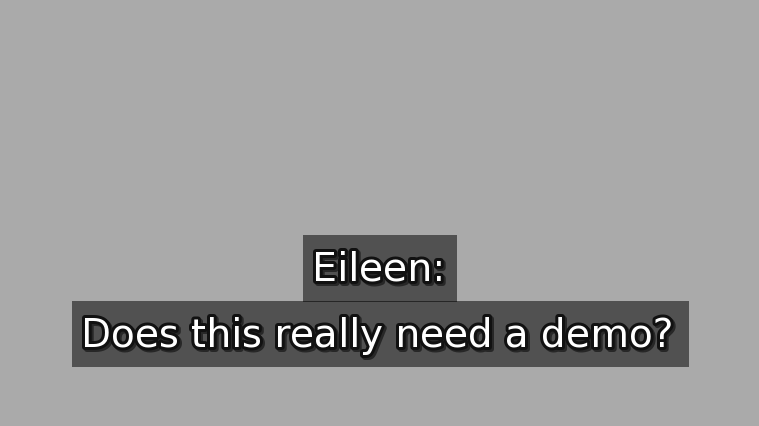
(The outlines look thick on the web demo because the text is small. Just fullscreen the demo to see it normally.)
Subtitles Textbox in Ren'Py
It's just a textbox that looks like subtitles for your Ren'Py game
Works with all the dialogue systems such as history.
MIT License.
How to use & install
Requires v8.3.4 / 7.8.4+
Put the rpy file in your Ren'Py /game folder and it will just work.
Changelog
- 10/19/2024 - Release Version - The subtitles from UnderHolo were made into this standalone tool.
- 11/1/2024 - Unindexed - The subtitles are draggable.
- 2/26/2024 - V1.3 - Subtitles now default to replacing the say screen. Now works as expected with centered and vcentered Characters by redefining them. Added sub_pos can be changed midgame to move the subtitles' default position.
- 2/26/2024 - V1.3.1 - The background opacity option actually works now.
Download
Click download now to get access to the following files:
Comments
Log in with itch.io to leave a comment.
Love the tool! Is there a way to stretch out the texts horizontally in width without affecting the text size or to prevent the text from forming a second line within a certain word limit?
Yes, just increase gui.subtitle_maxwidth to the length you want
What's the max number one can place? I tried 500000 but a full sentence still occasionally results in a second line...
The max number that would make sense is the width of your game window (so 1920 for a 1080p game).
The layout is in "subtitle" mode which tries to even out the length of each line. If you want the default back just delete the part that says layout "subtitle". But note that this can be annoying to read because it will make the top line closer to the max width meaning you have to move your eyes more.
Thank you for the tip! I tried both with and without layout: subtitle. I can see now what you mean. I ended up treating the dialogue like proper subtitle to make them visually less clunky...
hi! i love this code but im running into two issues. first, there's always a space at the end of the line, but more bothersome i cant move them. despite where it says in the code to move them, it doesnt move them at all. do you know how to fix either of those or should i go digging lol?
Hi, this looks like something a bit more complicated to debug in an itch.io comments.
I recommend joining the DevTalk Discord server for vn dev and asking this in the programming channel. https://discord.com/invite/devtalk
looks fine